Build websites with AI for free - consultations
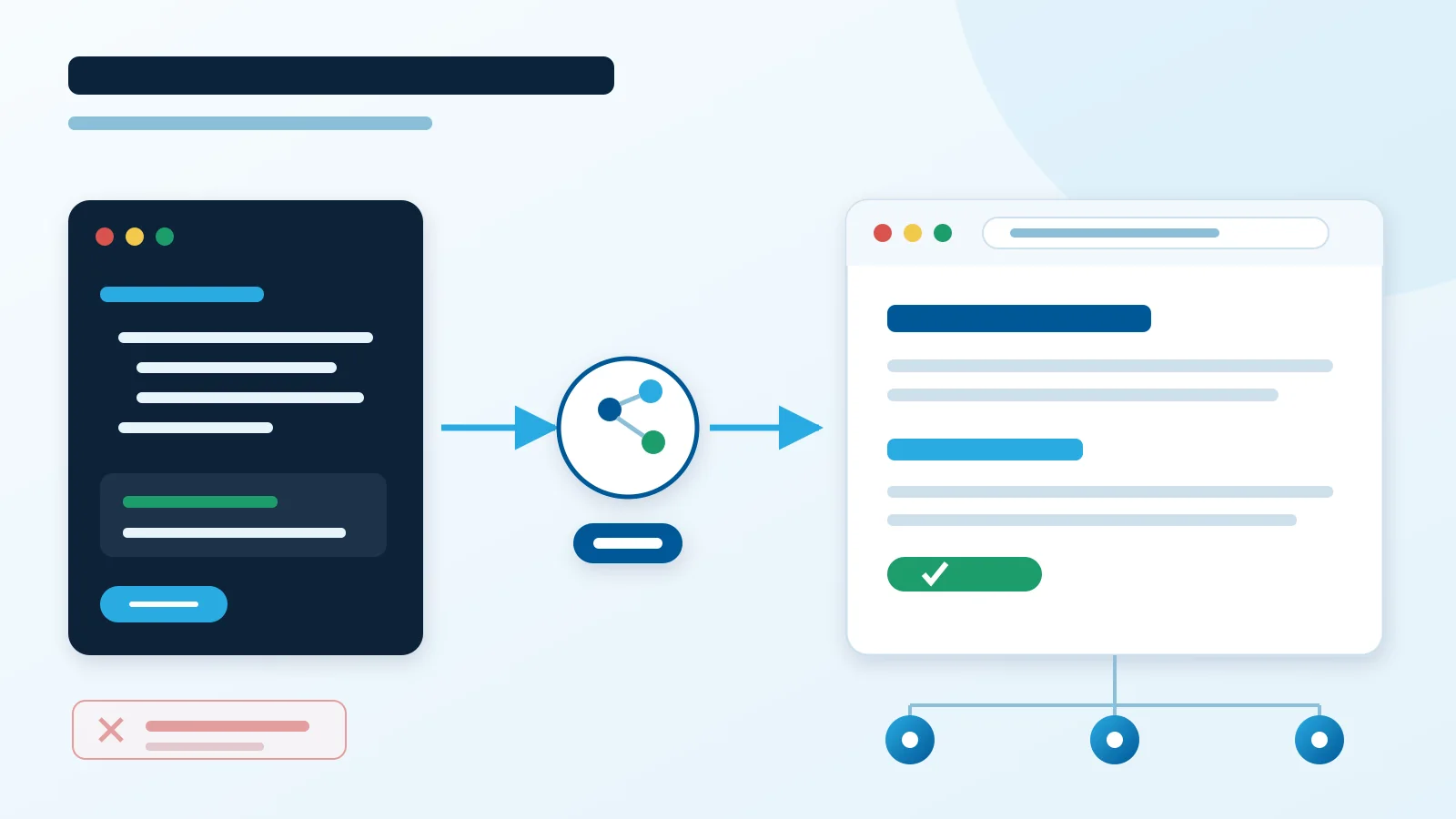
You can build a website with AI for free when you choose a simple static site and free hosting. AI creates the code and content, while Cloudflare delivers the result from its edge network.
A custom domain may remain the only required cost. You can start on a free platform address and connect your domain later.
1. Architecture: why this stack?
The simplest architecture gives each tool one job:
- AI creates HTML, CSS, content, and basic SEO,
- Git stores every revision,
- Cloudflare Pages or Workers publishes files on the global edge network,
- a Worker adds only required logic, such as contact form handling.
A small business site needs neither a database nor a large CMS. HTML and lightweight CSS often cover the whole project. Our guide to a simple HTML, Git, and CDN stack explains that choice.
Cloudflare Pages offers convenient deployments directly from a repository. We often prefer Workers Static Assets because Wrangler deploys static files and a small backend together.
Free plan limits
The current Cloudflare Workers limits allow 20,000 static files, each up to 25 MiB, on the Free plan. Static asset requests are free and unlimited.
Worker code shares a limit of 100,000 requests per day and 10 ms of CPU per invocation. Pages includes 500 builds per month. These limits can change, so verify them before launch.
Watch out for run_worker_first: true: every covered request invokes your code first and counts toward the Worker limit. We use it where custom redirects are required; a purely static site usually does not need it.
2. Prepare the website with AI
Start with a short description of your company, audience, and website goal. Ask AI for responsive HTML, simple CSS, navigation, an offer, contact details, and correct metadata.
Then verify:
- copy, prices, and contact details,
- desktop and mobile layouts,
- every internal and external link,
- form and image accessibility,
- the page title and search description.
AI accelerates implementation, but it does not replace review. Run the website and complete a short test before publishing generated code.
3. Deploy to Cloudflare step by step
- Create a Cloudflare account and start a Pages project or a Worker with static assets.
- Put the site in Git. Connect the repository to Pages, or set the asset directory in
wrangler.jsonc. - Deploy through the Pages dashboard or run
npx wrangler deploy. - Add Worker code only when server logic is necessary, such as secure form submission.
- Connect your domain. Custom Domains create the required DNS record and certificate automatically.
- Enable HTTPS redirects and verify the certificate. Cloudflare provides automatic Universal SSL.
Our projects combine Astro, Worker static assets, and OpenTofu. The apex domain points directly to a Worker, DNS stays on Cloudflare, and Git tracks the configuration. Our Astro, Cloudflare, and OpenTofu stack describes a similar workflow.
Consultations when you get stuck
You can build the website yourself and ask us to solve only a blocker. We help with architecture, code, Cloudflare Workers, deployment, DNS, domains, SSL, and forms.
You do not need to outsource the complete website. Send the problem to info@pceuropa.net, and we will suggest the smallest practical next step.