A simple stack for websites and AI-agent deployments [2026]
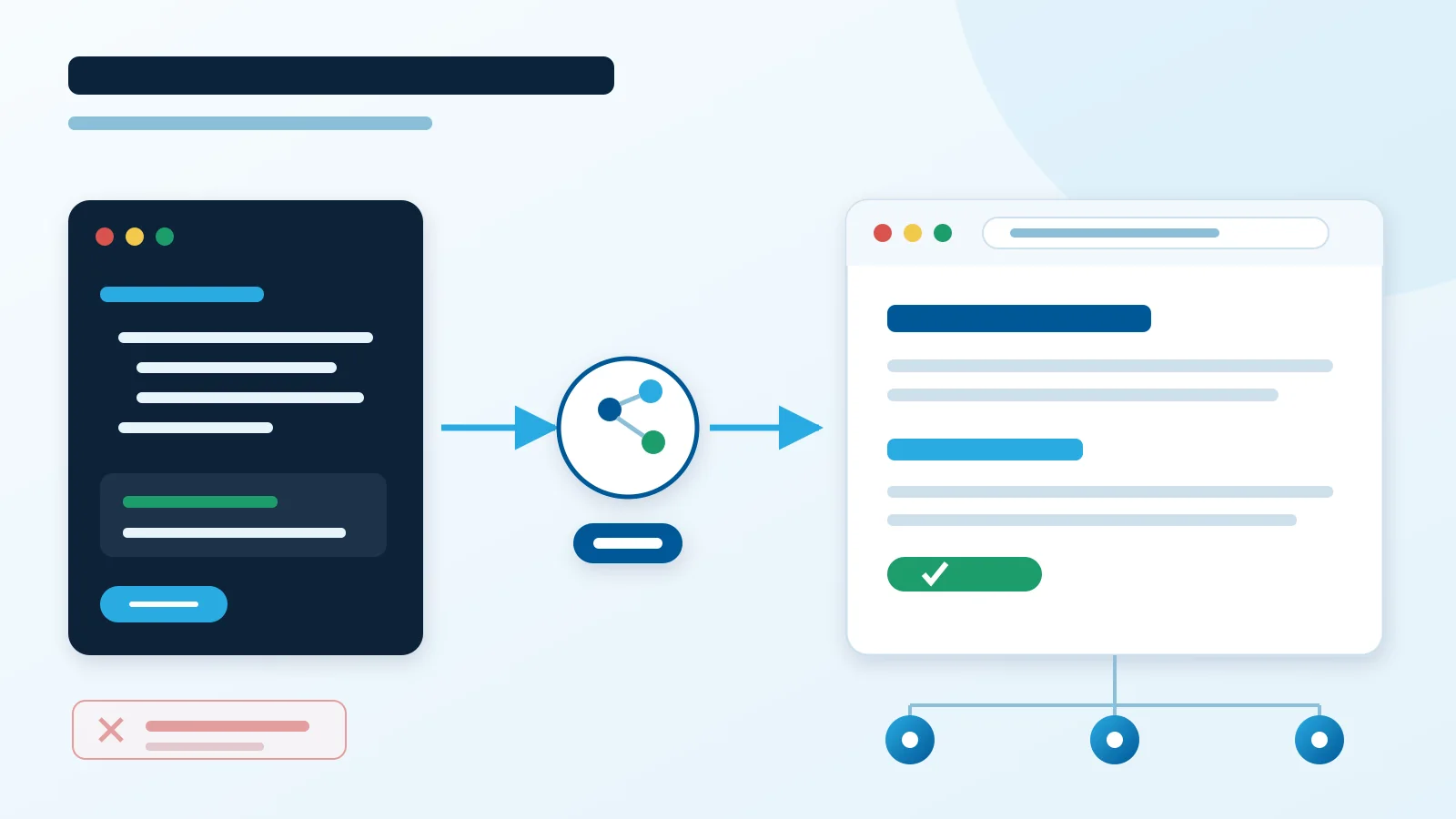
In short: HTML + Pico CSS + Git + CDN.
A company website often does not need Astro, React, a CMS, Node.js, a database or even a build process.
If the site contains an offer, contact details, images and a few pages, plain HTML can be the finished product.
HTML as the final artifact
index.html is both source code and the file delivered to the user.
Instead of:
source → dependencies → framework → bundler → build → dist → deployment
we have:
HTML → CDN → user
This is a zero-build architecture.
There is no npm install, package.json, bundler or build artifact. A commit can contain exactly the files that go to production.
Fewer steps mean fewer failure points.
Pico CSS: fewer classes, more HTML
Pico CSS lets the design rely on semantic HTML.
Instead of:
<div class="wrapper">
  <div class="container">
    <div class="content">
      <div class="hero">
        ...
      </div>
    </div>
  </div>
</div>
we can write:
<header>
  <nav>...</nav>
</header>

<main>
  <article>
    <h1>Our offer</h1>
    <p>...</p>
  </article>
</main>

<footer>
  <p>Contact</p>
</footer>
Pico Class-less goes further: basic HTML elements can be styled without adding classes everywhere.
HTML describes structure and meaning. CSS handles presentation.
History turns full circle
My first websites around 20 years ago were written directly in HTML. Then came CSS, JavaScript, PHP, Python, CMS platforms, frameworks and increasingly large toolchains.
They solved real problems, but they also added layers.
AI agents change this trade-off.
An agent can update navigation across several files, add a page, improve metadata, structured data or internal links. For a small website, we no longer always need a CMS or component system just to reduce manual work.
HTML → CSS → JS → backend → CMS → frameworks → AI → simple HTML
This is not a return to the limitations of old websites. It is the deliberate removal of layers a project does not need.
Zero-build architecture
No build process brings concrete benefits:
- no build-time dependencies,
- no bundler upgrades,
- no Node.js version problems,
- no difference between source and build output,
- simpler CI/CD,
- simpler rollback,
- easier debugging,
- smaller supply-chain attack surface.
Deployment can be:
git push → upload/sync → CDN
If the hosting platform integrates directly with the repository, it can be even simpler.
Less complexity helps reliability
Every additional layer is another component that can fail.
A framework, runtime, dependency, bundler, plugin, database and CMS each have their own versions, configuration and upgrade cycle.
Removing unnecessary components does not guarantee an SLA. It does reduce dependencies and potential failure points.
For a simple static site, operational attention can stay on what affects availability:
- DNS,
- CDN/hosting,
- cache,
- file correctness,
- uptime monitoring.
There is no database, backend, runtime or build pipeline to diagnose if none exists.
The easiest component to maintain is the one you do not need.
A good stack for AI agents
HTML and CSS are direct inputs for an agent.
Less abstraction means:
- fewer files to inspect,
- fewer tokens,
- fewer cross-file dependencies,
- shorter diffs,
- easier review,
- lower risk of unrelated changes.
The agent can focus on the result: content, HTML, SEO, GEO, accessibility and performance.
It does not first need to understand a framework architecture.
SEO and GEO without a framework
A framework is not required to control:
<title>,- meta description,
- canonical URLs,
- heading structure,
- internal links,
- structured data,
robots.txt,sitemap.xml,- semantic HTML.
A simple document structure also helps automated analysis because content is not hidden behind a large component tree.
JavaScript: zero by default
A company website often needs no custom JavaScript.
Text, offers, images, phone numbers, addresses and navigation can work without it.
If one feature needs JavaScript, add JavaScript for that feature.
There is no need to turn the whole website into an application.
0 KB of custom JS is better than 20 KB when the result for the user is the same.
Minimal structure
/
├── index.html
├── offer.html
├── contact.html
├── css/
│   └── pico.min.css
├── images/
├── robots.txt
└── sitemap.xml
That can be the entire production website.
No runtime. No database. No CMS. No build.
When should you move to Astro?
Plain HTML stops being simple when large amounts of code have to be copied manually.
Consider Astro when the project gains:
- dozens or hundreds of articles,
- shared components repeated across many pages,
- multiple layouts,
- pages generated from data,
- extensive internationalization.
A framework should remove existing complexity, not add complexity in advance.
Summary
For a small website, the starting point can be:
HTML + Pico CSS + Git + CDN.
Only a concrete requirement should justify adding another technology.
Fewer layers mean fewer upgrades, fewer dependencies, simpler deployment and fewer potential failure points.
The saved time can go into what users see: content, the offer, speed, accessibility, SEO and GEO.
Simplicity is not a limitation. In a small project, it is an architectural feature.