How We Audited an Android Phone for Malware and Exploits
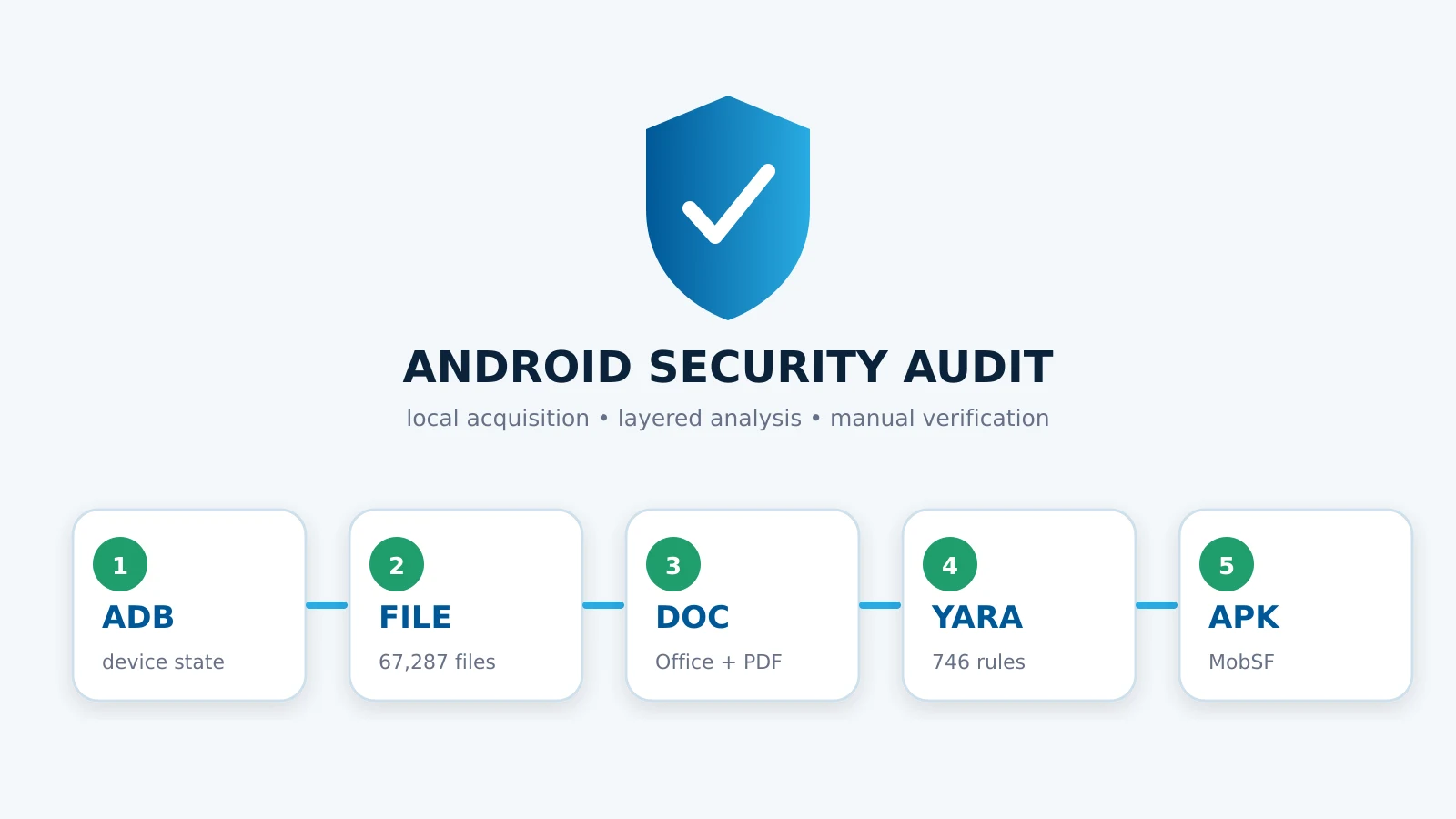
We found no confirmed malware or active exploit on the tested Android 16 phone. The audit did find one encrypted PDF that antivirus could not inspect, privacy-sensitive GPS metadata in 206 photos, and an APK with broad permissions and a large attack surface.
What we tested
This was a local, read-only investigation of an HONOR Android phone connected to an Ubuntu workstation through Android Debug Bridge. The phone had Android 16 with a security patch dated 1 September 2026.
Before examining user files, we checked the device security baseline:
- the bootloader was locked;
- Android Verified Boot reported
green; - storage used file-based encryption;
- the installed build was a production
userbuild, not a debug build; - no unexpected device administrator or accessibility service was enabled;
- third-party applications visible to ADB came from Google Play;
- approximately 5 GB of RAM and 360 GB of storage remained available.
These checks did not prove that compromise was impossible. They reduced the likelihood of persistent system modification and explained why a file-level investigation was the appropriate next step.
Acquisition and its limits
We copied the shared storage available through ADB and excluded volatile application cache files that Android refused to expose consistently. Android sandboxing prevented access to private application databases, credentials, hardware-backed keys, and parts of the isolated Parallel Space profile.
The resulting backup contained 67,287 files and occupied about 48 GB. It included 183 PDFs, 20 Office or OpenDocument files, 11,678 JPEG files, one APK, and more than 44,000 .exo cache fragments.
This distinction matters: an ADB backup is useful evidence, but it is not a physical forensic image. A clean result applies only to the data we could read.
File types and metadata
We first used file to compare extensions with actual MIME types. It inspected all 67,287 files and identified 807 apparent anomalies.
Manual review showed that these were not hidden executables:
- 717
.jpgfiles were actually PNG images; - 18
.webpfiles were ZIP-based application resources; - 43
.exofragments were media cache chunks misclassified as DOS executables; - three extensionless files came from YouTube Music cache and contained high-entropy media data;
- four
.kvaand.kvbfiles belonged to Mintegral/MBridge advertising configuration in games.
We scanned all 50 executable-looking objects again with YARA. None matched a malware rule.
ExifTool read metadata from 14,845 supported files. It did not reveal a suspicious document generator or impossible future timestamps, but it found 206 photos with embedded GPS coordinates. This was the clearest privacy finding of the audit. Photos should have location metadata removed from a copy before public sharing.
Office documents and PDFs
oleid and olevba examined 20 Office, RTF, and OpenDocument files. They found no VBA or XLM macros, automatic execution, suspicious command strings, or external template relationships.
PDF analysis used three layers:
- ClamAV scanned the full backup and reported one
Heuristics.Encrypted.PDFfinding. - PDFiD selected documents containing active PDF features such as
/OpenAction,/AA,/Launch,/JS, forms, or JBIG2 streams. - peepdf parsed 29 unique higher-risk PDFs after duplicate files were removed by SHA-256.
The ClamAV result did not mean the PDF contained malware. It meant the document was encrypted and its content could not be inspected without the password. The visible structure contained no JavaScript, launch action, embedded file, rich media, or XFA form.
PDFiD found two identical copies of a banking form with /Launch. Manual object inspection showed that the action referenced a malformed local Windows path ending in rf.gov.pl, not an executable program. That path cannot run on Android.
Two scanned copies of a book contained 228 JBIG2 streams each. peepdf associated the filter with an old JBIG2 vulnerability class, but found no exploit signature or vulnerable JavaScript. The PDFs were structurally valid according to qpdf, and YARA produced no match. Presence of a compression filter alone is not evidence of exploitation.
YARA results
We used 746 compatible rules from the public Neo23x0 signature-base collection. Two rules required newer YARA syntax and were documented as excluded.
The main YARA set covered 222 files capable of carrying active content, including APK, PDF, Office, JavaScript, HTML, SVG, and archive formats. A second pass covered the 50 executable-looking anomalies found by file.
Both scans returned zero matches. This is useful evidence against known malware families, but it cannot rule out a new sample for which no rule exists.
APK analysis with MobSF
The backup contained one sideloaded DJI Fly 1.17.1 APK. We analyzed it locally with Mobile Security Framework, without installing or executing it.
MobSF assigned a security score of 32/100. It did not identify a malicious domain and found a valid code-signing certificate, but reported:
- broad access to location, camera, microphone, storage, overlays, and package installation;
- 24 exported Android components;
- cleartext traffic permitted for part of the configuration;
- references to DJI, Tencent, ByteDance, Amap, and other infrastructure in China and Hong Kong;
- one location tracker, AutoNavi/Amap;
- uses of CBC, SHA-1, MD5, and random-number APIs requiring developer review.
Static findings do not prove malicious behavior. They show that the application has a large attack surface and deserves strict permission control. Package installation should be disabled for DJI Fly unless a documented update process requires it. Camera, microphone, and location access should be limited to active use.
What the result means
The combined evidence did not show a known infection. Verified Boot was intact, user documents contained no active malware pattern, executable-looking files were cache or application data, YARA returned no matches, and MobSF found risk rather than a confirmed malicious payload.
The conclusion is deliberately narrow: no confirmed malware was found in the accessible device state and copied files on 5 November 2026. We did not inspect protected application storage, baseband firmware, hardware-backed secrets, or live encrypted network traffic. Advanced spyware can also avoid shared storage entirely.
For a suspected targeted attack, preserve the device, avoid a factory reset, collect network and application telemetry, and involve a mobile forensics specialist. Our broader incident response process for persistent malware explains why evidence preservation comes before cleanup. Network isolation and logging principles are also covered in our homelab hardening guide.
Reproducibility and sources
The workflow used ADB, file, ExifTool, ClamAV, oletools, PDFiD, peepdf 6.0.3, YARA 4.1.3, Neo23x0 signature-base, qpdf, and MobSF 4.6.5. Full raw reports remained local because they contained private filenames, document metadata, and location data.
Authoritative references:
- Android Verified Boot documentation
- Android security update overview
- ClamAV documentation
- YARA documentation
- MobSF documentation
Author, review, and disclosure
This case study was prepared and technically reviewed by the PCEUROPA security engineering team on 5 November 2026. The team builds and audits Linux, cloud, web, and automation systems; public engineering work is available on the PCEUROPA GitHub profile.
The analysis was performed on a privately owned device with the owner’s authorization. No private file, GPS coordinate, password, device identifier, or report was uploaded to a public scanning service. This article is educational and does not guarantee that a device is free from unknown or hardware-level threats. Contact details and company information are available on the About page.