Yii2 Basic or Advanced: Which Template to Start From
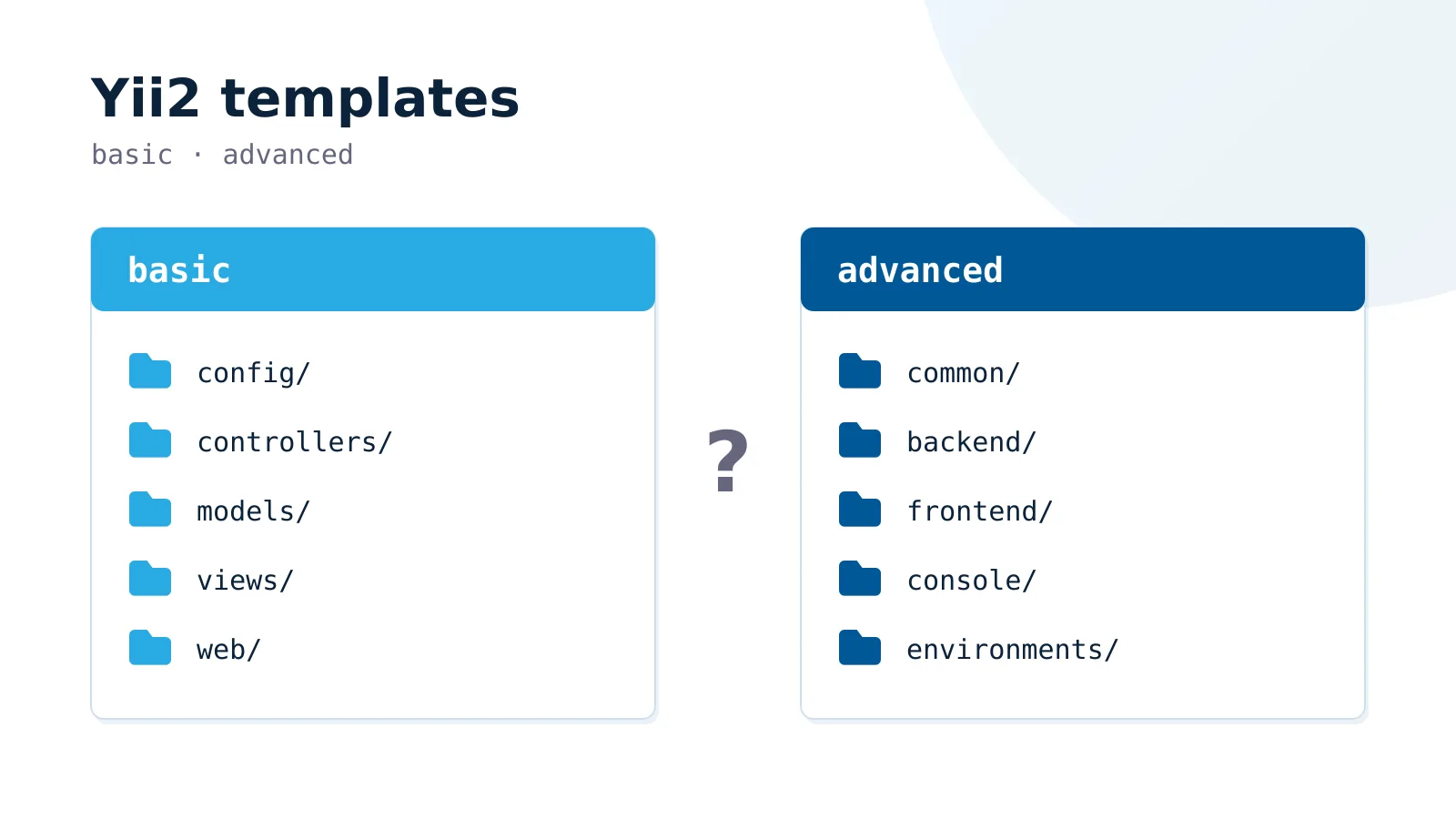
Every Yii2 project starts with the same fork in the road: yii2-app-basic or yii2-app-advanced. The choice looks structural, so teams treat it as important and pick Advanced to be safe. That instinct is usually wrong, and it costs you a directory tree you have to explain to every new developer.
What Actually Differs
The two templates ship the same framework. They differ in how many applications the project contains and where shared code lives.
yii2-app-basic                yii2-app-advanced
├── config/                   ├── common/      shared models, config
├── controllers/              ├── console/     CLI application
├── models/                   ├── backend/     admin application
├── views/                    ├── frontend/    public application
└── web/                      └── environments/
Basic is one application. Advanced is three applications plus a shared common directory and an environments mechanism that copies config files into place during init.
Advanced also arrives with a signup and password-reset flow already wired, and with separate session cookies per application, so an admin logged into backend is not logged into frontend.
The Decision Rule
Start with Basic unless one of these is true on day one:
- The admin panel and the public site need separate authentication realms, not just different roles.
- The admin panel will be deployed to a different host or domain than the public site.
- Two teams own the two applications and need separate deployment cadences.
If none of those hold, Basic is the correct choice. Role-based access inside a single application covers the overwhelming majority of “we need an admin panel” requirements, and it does so without three config directories.
The Cost of Guessing Wrong
Both mistakes are recoverable, but not equally.
Basic to Advanced is mechanical. You create the directory layout, move models to common/models, split the config, and update namespaces. A day of work on a mid-sized project, and the migration is testable at every step.
Advanced to Basic is rarer and mostly a deletion exercise, but the environments/ mechanism will have leaked into your deployment scripts by then, so budget for touching CI as well.
Neither is a rewrite. This is the honest limitation of any advice on this topic: the decision matters less than the internet suggests, and picking Basic and being wrong is cheaper than picking Advanced and being right.
What Advanced Does Not Give You
Advanced is not a scalability feature. It does not make the application faster, it does not shard anything, and it does not enforce a cleaner architecture. Three applications sharing one common directory can accumulate coupling exactly as fast as one application can, and the shared directory is where it usually accumulates.
If the goal is separation of concerns, modules inside a Basic application achieve it with less ceremony:
// config/web.php
'modules' => [
    'admin' => [
        'class' => 'app\modules\admin\Module',
    ],
],
That gives you /admin/* routing, an isolated namespace, and its own controllers, while keeping one deployment artefact.
Working With Yii2 Long Term
We have built CRM systems, customer success platforms, online stores, and B2B integrations on Yii2 for over ten years. The pattern that holds across those projects is the one above: the teams that stayed on Basic longest spent the least time explaining their own directory structure to new developers.
Yii2 remains a sound choice for this class of application. It is mature, the security defaults are reasonable, and the upgrade path has been stable for years. Its weakness is the same as its strength: the conventions are strong, so fighting them is expensive.
If you are deciding this for a project in progress, or want a second opinion on a migration, reach out: info@pceuropa.net