Observer Pattern with Scrapy
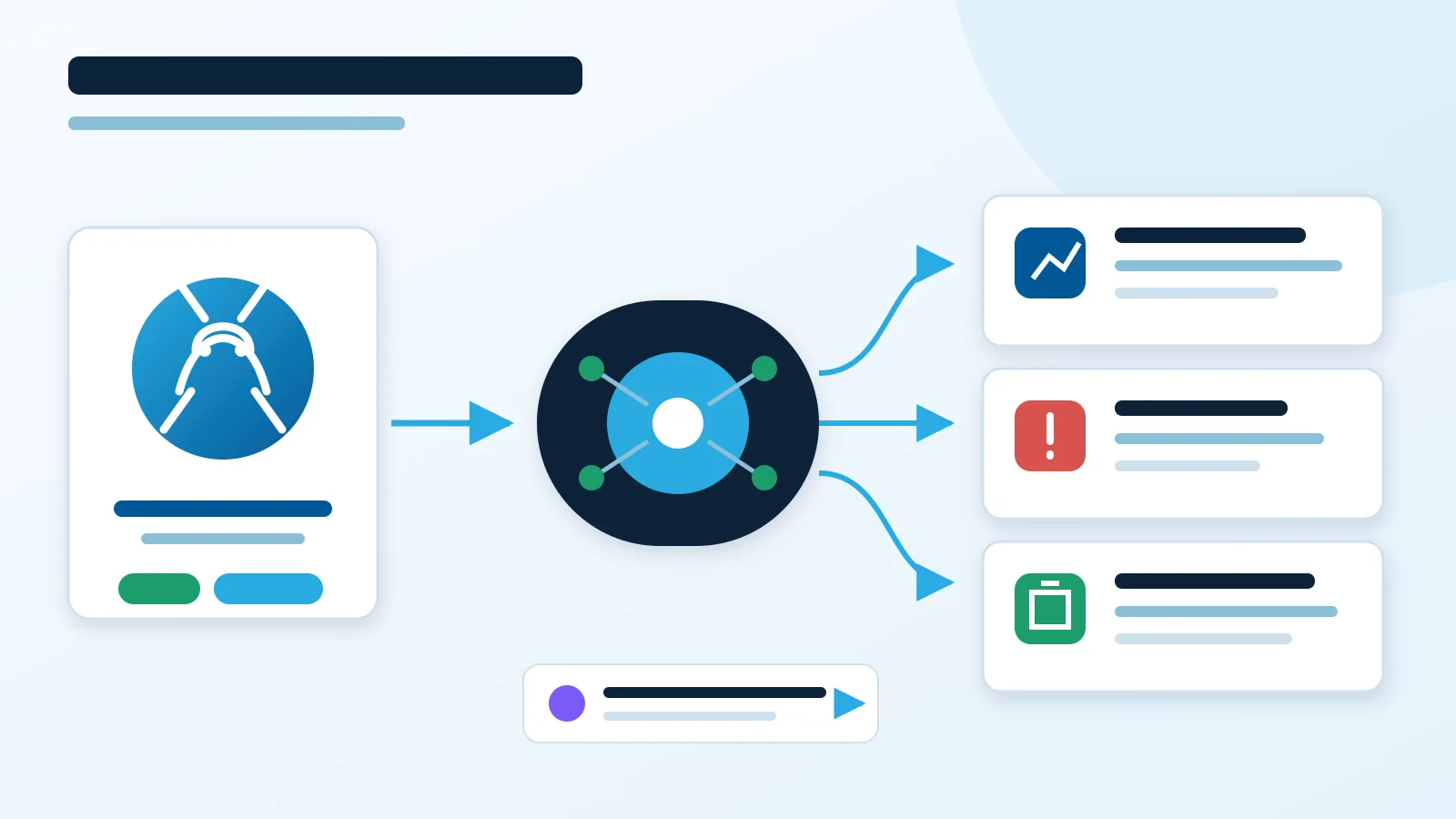
The Observer pattern is a behavioral design pattern where one object publishes an event and other objects react to that event.
In Scrapy, the closest practical mechanism is the signal system. Scrapy emits lifecycle events, and extensions can subscribe to those events without the spider calling them directly.
Table of Contents
- The Problem
- Observer in One Diagram
- How Scrapy Maps to Observer
- Minimal Scrapy Signal Example
- Crawler Product Example
- Signals or Pipelines
- When Not to Use Observer
- Practical Rules
The Problem
Imagine a spider that scrapes products. Several things may need to happen after each product is scraped:
- Store the product.
- Update metrics.
- Log crawl progress.
- Send suspicious products to monitoring.
If the spider calls every dependent system directly, it becomes tightly coupled:
def parse(self, response):
    product = self.extract_product(response)

    database.save(product)
    metrics.record(product)
    logger.info("scraped product", extra={"product": product})
    monitoring.check(product)

    yield product
The spider now knows about four different systems. That makes it harder to test, change, and reuse.
The Observer-style alternative is that the spider yields data or Scrapy emits a signal, then interested components react separately.
Observer in One Diagram
Subject
  -> Observer A
  -> Observer B
  -> Observer C
The subject produces a change or event. Observers subscribe to that event.
For Scrapy signals, the shape is closer to this:
Scrapy Engine
  -> signal: item_scraped
    -> StatsExtension
    -> LoggingExtension
    -> MonitoringExtension
The spider does not need to know which extensions are listening.
How Scrapy Maps to Observer
| Observer concept | Scrapy concept |
|---|---|
| Subject or publisher | Component emitting a signal |
| Observer or subscriber | Function or method connected to a signal |
| Subscribe | crawler.signals.connect(...) |
| Unsubscribe | crawler.signals.disconnect(...) |
| Notify | Signal dispatch |
| Event | Scrapy lifecycle occurrence, such as item_scraped |
Scrapy signals are useful for lifecycle notifications, metrics, logging, cleanup, and cross-cutting behavior.
Minimal Scrapy Signal Example
Create an extension that reacts whenever Scrapy successfully scrapes an item:
from scrapy import signals

class StatsObserver:
    @classmethod
    def from_crawler(cls, crawler):
        observer = cls()
        crawler.signals.connect(observer.item_scraped, signal=signals.item_scraped)
        return observer

    def item_scraped(self, item, response, spider):
        spider.logger.info("Scraped item: %s", item)
Enable the extension in Scrapy settings:
EXTENSIONS = {
    "myproject.extensions.StatsObserver": 500,
}
Now the extension reacts to item_scraped. The spider does not call StatsObserver.item_scraped() directly.
Crawler Product Example
A product spider should focus on extracting products:
def parse(self, response):
    yield {
        "url": response.url,
        "name": response.css("h1::text").get(),
        "price": response.css(".price::text").get(),
    }
Separate components can handle separate responsibilities:
Spider -> Item
  -> ProductPipeline saves or validates the item
  -> item_scraped signal updates metrics
  -> item_scraped signal writes operational logs
  -> spider_closed signal flushes final crawl stats
This keeps the spider focused on crawling and extraction.
Signals or Pipelines
Use the Scrapy mechanism that matches the job.
| Need | Prefer |
|---|---|
| Validate, enrich, drop, or store each item | Item pipeline |
| Log crawl lifecycle events | Signal extension |
| Update metrics when an item is scraped | Signal extension |
| Open or close external resources at spider start or stop | Signal extension |
| Change request or response behavior | Middleware |
| Run a simple dependency that is always required | Direct method call |
| Guarantee delivery, retries, persistence, or cross-machine processing | Queue or message broker |
Signals are not a replacement for pipelines. Pipelines are the normal place for item processing. Signals are better for notifications and lifecycle hooks.
When Not to Use Observer
Observer is not always the simplest design.
Avoid it when there is only one obvious dependency:
Order -> EmailService.send_confirmation()Using Observer here may hide a relationship that is simple and direct.
Avoid it when notification order is business logic:
A must finish
  -> then B
    -> then C
That is a workflow. Use explicit orchestration, a chain, or direct sequential calls.
Avoid plain in-memory Observer when you need guaranteed delivery:
Subject sends notification
  -> observer crashes
    -> notification is lost
For durable processing, use a queue or message broker with retries, acknowledgements, and persistence.
Avoid excessive observers for high-frequency events. A million events sent to a hundred observers becomes a hundred million handler calls. Batching, aggregation, sampling, or a different event architecture may be better.
Practical Rules
- Keep spiders focused on extracting data and yielding requests or items.
- Use pipelines for item validation, enrichment, storage, and dropping bad items.
- Use signals for lifecycle notifications, metrics, logging, and cleanup.
- Keep signal handlers small and predictable.
- Do not put critical business workflows into hidden signal chains.
- Log enough context to debug which handler reacted to which event.
- Use a durable queue when losing an event would be unacceptable.
For definitions of related terms, see the Engineering Glossary.