Google Cloud Introduces Fault Injection Testing
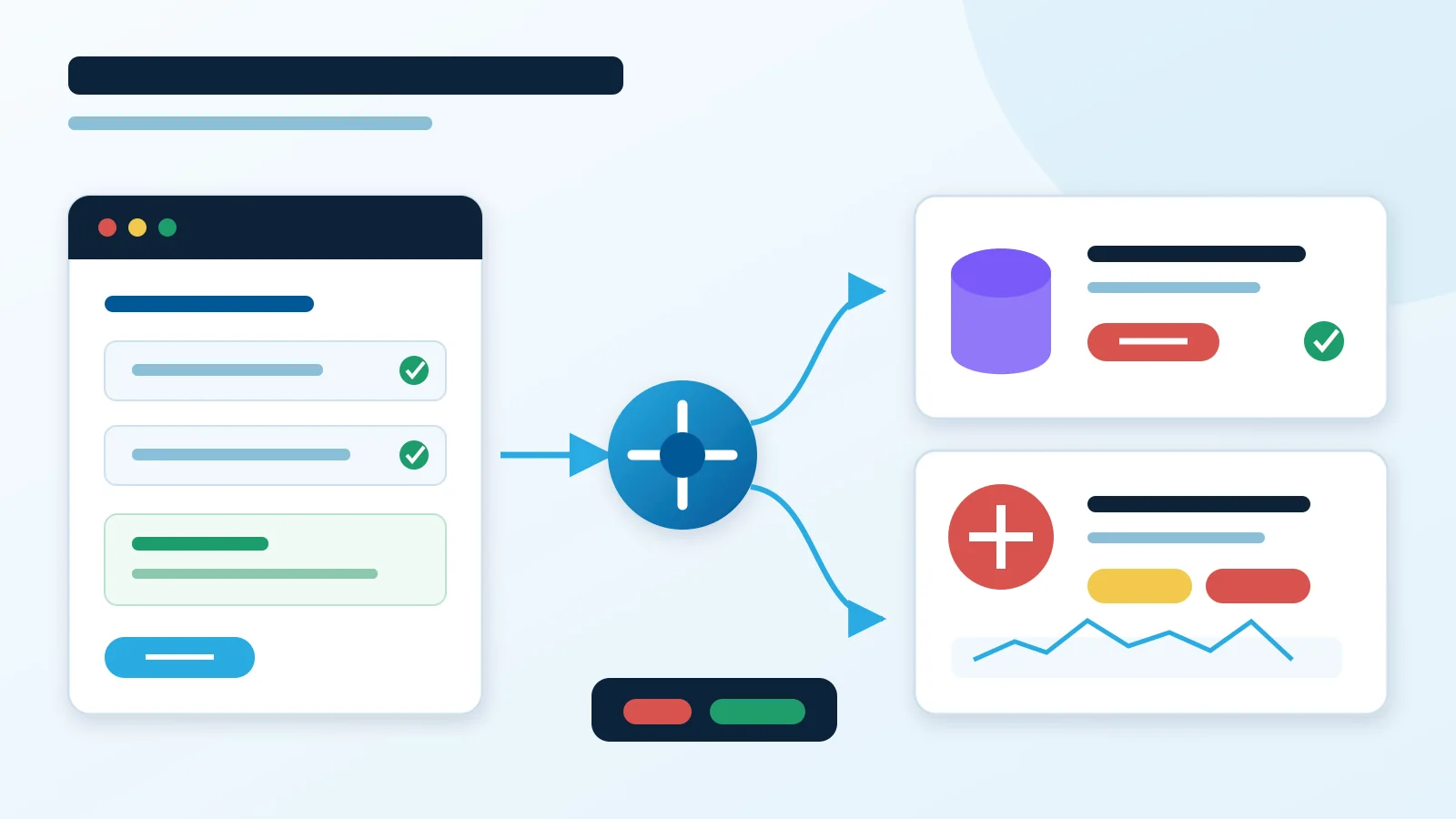
Google Cloud can now break your own resources on purpose. Fault Injection Testing (FIT) entered preview on August 27, 2026. It does two things: fail over a Cloud SQL instance, or degrade traffic at a Layer 7 load balancer.
That scope is narrow. It still covers two tests that teams keep postponing, because homemade scripts are risky and hard to repeat.
The two faults in preview
- Cloud SQL failover — move a high-availability instance from its primary zone to its standby.
- Traffic degradation — inject latency and HTTP error codes at a Layer 7 load balancer.
The first test does more than prove Cloud SQL can switch zones. It exposes your assumptions about connection pools, DNS, transaction retries, and startup probes.
The second checks timeout budgets, retry policies, circuit breakers, and the errors your users really see.
FIT is not a full chaos platform yet. No VM kills, no packet loss, no CPU pressure, no storage faults, no multi-step experiments.
Dry runs catch bad targeting
FIT runs a read-only dry run first. It checks permissions and returns the exact list of resources the experiment will hit. Injection starts only after you approve that list.
That step prevents the classic accident: a stale selector with a much wider blast radius. Save the returned scope with your test evidence. Stop if it does not match what you expected.
Every template also carries a time limit. When the timer ends, FIT reverts the fault. Stop and revert halts it sooner if things go wrong.
These are guardrails, not a data rollback. A forced failover can still leave incomplete transactions, growing queues, or duplicated side effects.
Your first experiment
Google recommends non-production use during preview. Keep the first test small enough to diagnose:
- Pick one non-production service with known dependencies.
- Define steady state: success rate, latency, error rate, queue depth, database connectivity.
- Build a template for its Cloud SQL instance or its Layer 7 load balancer.
- Run the dry run and have a second engineer check every target.
- Use a short duration and watch app and infrastructure telemetry.
- Trigger stop and revert on purpose, even if nothing looks wrong.
- Write down recovery time and every broken assumption.
For Cloud SQL, check whether old connections recover and new ones succeed without help. For load-balancer faults, compare observed latency against client timeouts. Retries that hide an error still multiply backend load, so watch request volume too.
Access and preview limits
| Item | Status |
|---|---|
| Interfaces | Console, gcloud, REST API |
| Enablement | Ask your account team to add the project |
| API | Enable Fault Testing API |
| Role | roles/faulttesting.operator |
| Regions and pricing | Not published — confirm with your account team |
Preview is the real constraint. Google says keep FIT out of production. Build evidence in test environments, then revisit the service when its support terms fit your risk rules.
Where FIT helps most
Repeatability is the win. A manually coordinated failover drill becomes a reviewed template you rerun after changes to connection handling, load-balancer policy, or retry logic.
It also fits migration acceptance. Instead of ticking a high-availability checkbox, you can show how the whole application behaves when a standby takes over.